

Hire a mate.
Watch it work.
Every mate gets its own computer. Give it a job, it does the work, and you check in from your desk or your phone, change anything it made, or ask it why.
Web and desktop now, iPhone soon. Free while in beta.
 Gmail
Gmail Slack
Slack Notion
 Calendar
 HubSpot
 Shopify
 GitHub
 Stripe
Your day, handled. You show up for the decisions.
Chief of Staff starts the day with one brief: what needs you, what's done, what's next. The rest happens while you work on something else.
- 8:00Chief of Staff sent your morning brief: 3 things need you, 9 are doneBrief
- 9:00Juno answered 6 new Google reviews in your voiceDone
- 10:15Scout shortlisted 2 of 14 applicants and booked their callsDone
- 12:30Atlas noticed a competitor dropped prices by 9%Flagged
- 15:02Iris asked for your yes on the accelerator application. You tapped Send on the train.Approved
- 18:00Chief of Staff wrapped up the day and lined up tomorrowTomorrow
Say the job. Then get on with your day.
- 01
Hire it in a minute
Say the job in plain words or start from a template. Connect only what it needs.
- 02
It works on its own computer
A real browser and desktop, not a black box. Glance at it live whenever you like.
- 03
It asks before anything big
Anything that leaves Mates waits for your yes, on your desk or your phone.
Watch it, change it, or ask for it.
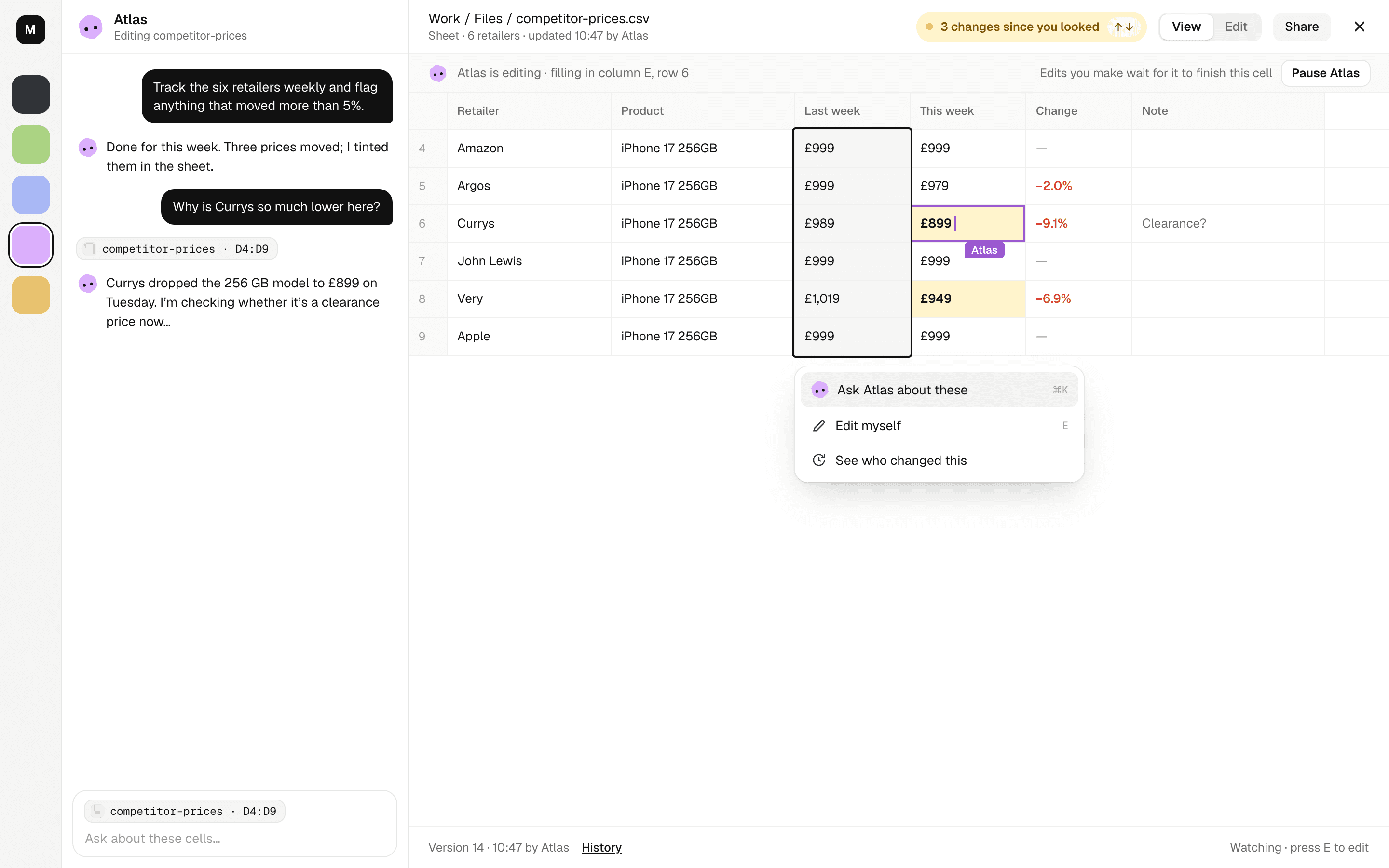
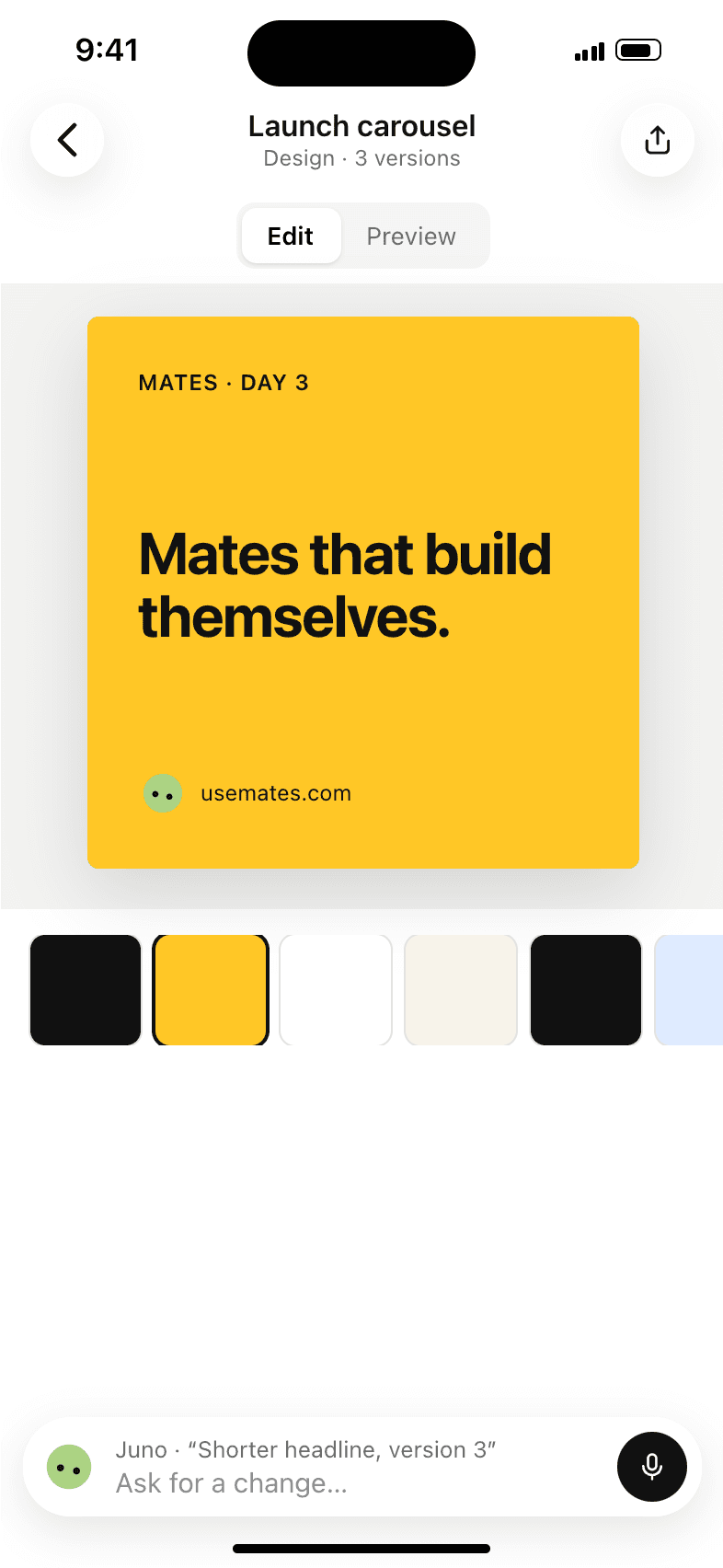
Docs, sheets, decks, designs, videos and apps open right next to the chat. See what it changed since you looked, edit anything yourself, or point at a part and ask.
Your team, in your pocket.
Answer a question from the lock screen, watch a mate's computer from the train, or hire one while you wait for coffee. The iPhone app is coming soon.
Who needs you, first
Every mate, with what it's doing right now.
A plan that ticks
Talk to a mate while it works. It says what's next.
Its computer, live
Watch it work, or take over with your thumb.
Start from a template that already knows the job.
- Launch videoStoryboards and builds fast, kinetic launch films from your real product.
- SEO specialistAudits your site, finds keywords and writes the fixes, ready to paste.
- Social media designerDesigns on-brand posts and carousels you can edit by hand.
- Video editorCuts short vertical videos from a script, clips and your brand.
- Account researcherResearches the companies you sell to and keeps a sourced brief, stakeholder map and account plan for each.
- Ad spend watcherChecks your ad numbers against the limits you set and flags what is breaking, with the exact change to make.
It does the work. You keep the final say.
Asks before it acts
Anything that leaves Mates, like an email, a post or a payment, waits for your yes.
A few seconds to unsend
Even after you say yes, there's a moment to take it back.
Every run has a replay
Watch exactly what it did, step by step, and undo the changes.
Your edits win
When you edit something, the mate waits and works from your version.
The short answers.
What is a mate?
An AI coworker with its own computer, email address and memory. You give it a job in plain words and it does the work, asking before anything important.
What can it do on its computer?
Anything a person can do in a browser and on a desktop: read and write email, post, fill in forms, research, build pages and files. It only uses the logins you connect.
Can it do something I didn't want?
Anything that leaves Mates waits for your yes, you get a few seconds to unsend, and every run has a replay you can undo.
Do I need to code or write prompts?
No. Say the job the way you'd say it to a person, or start from a template.